Stay active and connected from home

U-Turn Parkinson’s online and pre-recorded classes can help members continue moving, participating and connecting when attending an in-person location is difficult or inconvenient.

Depending on current availability, you may be able to join an instructor-led online class at a scheduled time or follow a suitable recorded session independently.
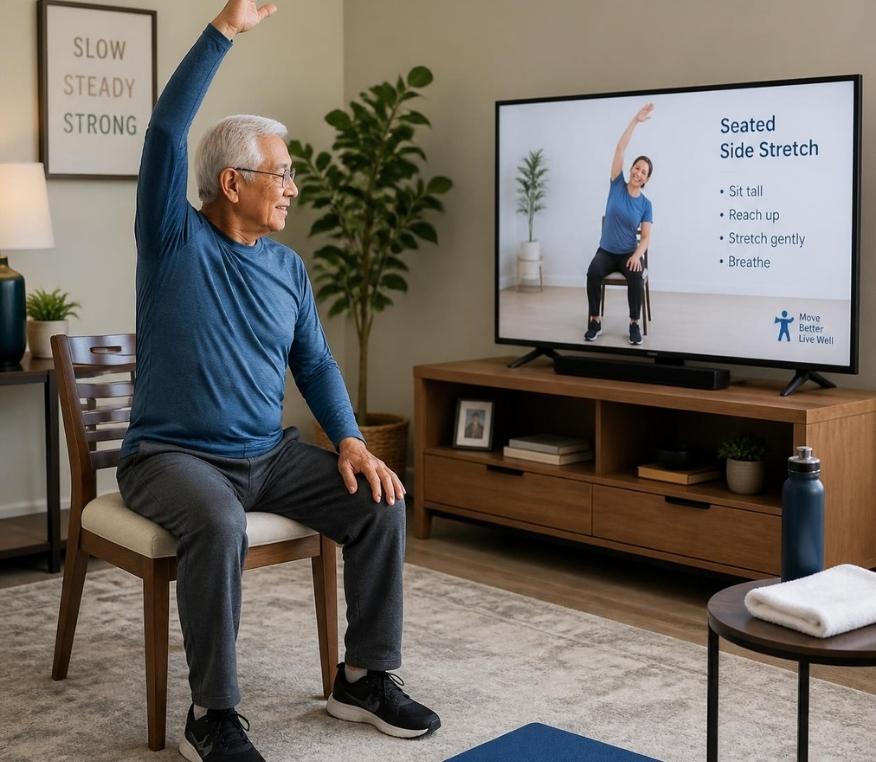
A U-TurnPD member participating in an online wellness class from a clear home exercise space.

Choose the participation option that works for you

Live online and pre-recorded classes offer different types of flexibility and support. Current availability may vary, so review the class information before participating.
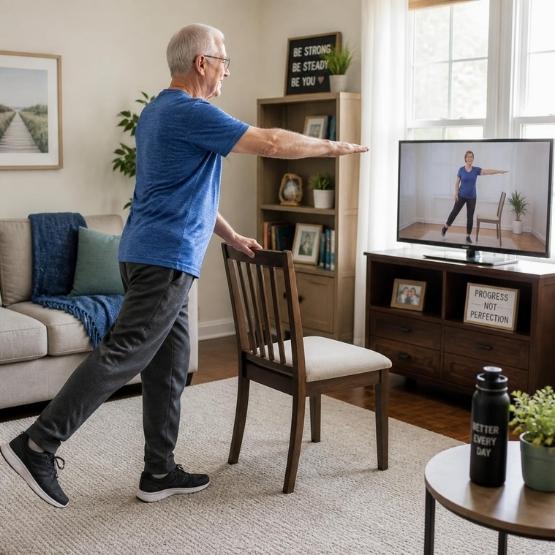
A member following an instructor-led wellness class on a home computer.

Join a live online class

Participate at a scheduled time while an instructor leads the session remotely. Live classes may provide real-time explanations, encouragement and opportunities to ask questions.

The instructor’s ability to observe individual movement may be more limited online than during an in-person class.

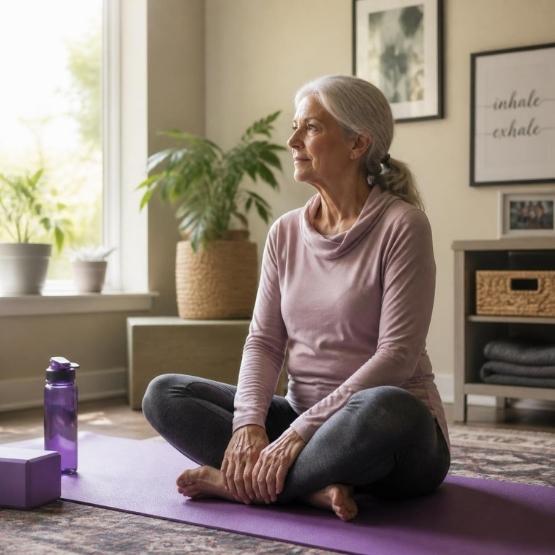
A member preparing to follow a pre-recorded wellness session at home.

Use a pre-recorded class

Follow an available recorded session at an appropriate time and move through the content at your own pace, pausing or stopping whenever needed. A pre-recorded wellness session at home at your convenience.

Pre-recorded sessions do not provide live observation, feedback or immediate instructor assistance.

Flexible participation beyond the studio

Remote classes can help members remain involved when distance, transportation, weather, scheduling or changing circumstances make in-person attendance more difficult.
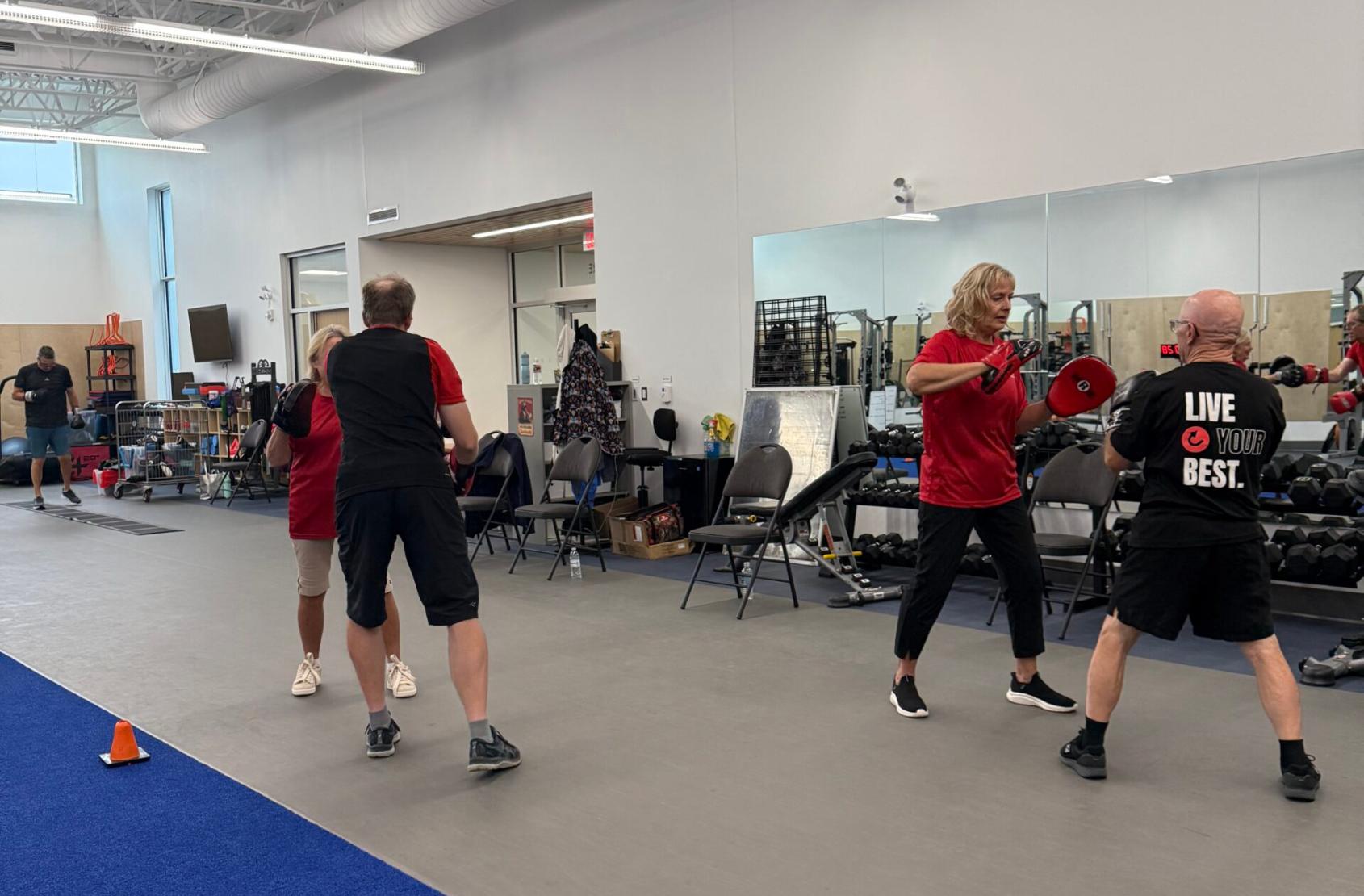
A U-TurnPD instructor guiding members during an in-person wellness class.

Participate from a familiar space

Join from home or another appropriate private space without travelling to a programme location.

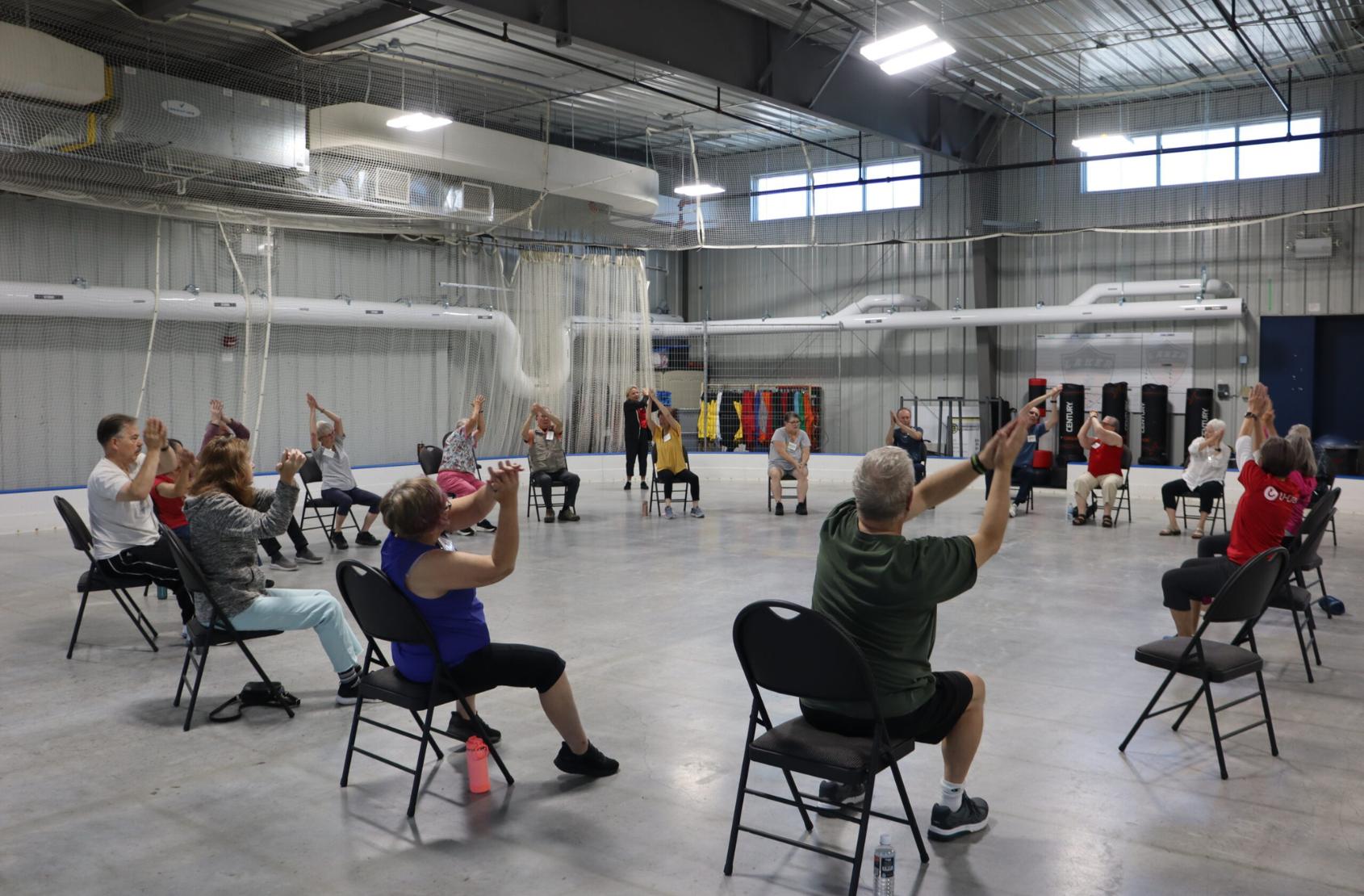
U-TurnPD members taking part in seated and supported movement activities.

Maintain programme connection

Remote options can help members stay connected with U-TurnPD programmes when attending in person is temporarily difficult.

U-TurnPD members connecting during an in-person community programme.

Use greater scheduling flexibility

Where recorded options are available, members may be able to participate at a suitable time and pause the session when needed.

Choose an option suited to your current needs

Your initial assessment and wellness colour level help guide appropriate programme participation. Before joining remotely, consider whether the class format, available support and your home environment are suitable for you.

  • Complete the initial assessment and review your programme recommendations

  • Choose activities consistent with your written participation guidance

  • Confirm whether the session is live or pre-recorded

  • Consider whether you require a care partner or other support person nearby

  • Tell U-TurnPD about a significant change in health, mobility or support needs

  • Contact the team whenever you are uncertain about suitability

Online availability does not automatically mean that every remote class is appropriate for every member. Follow your assessment guidance and ask the team when you need help choosing.
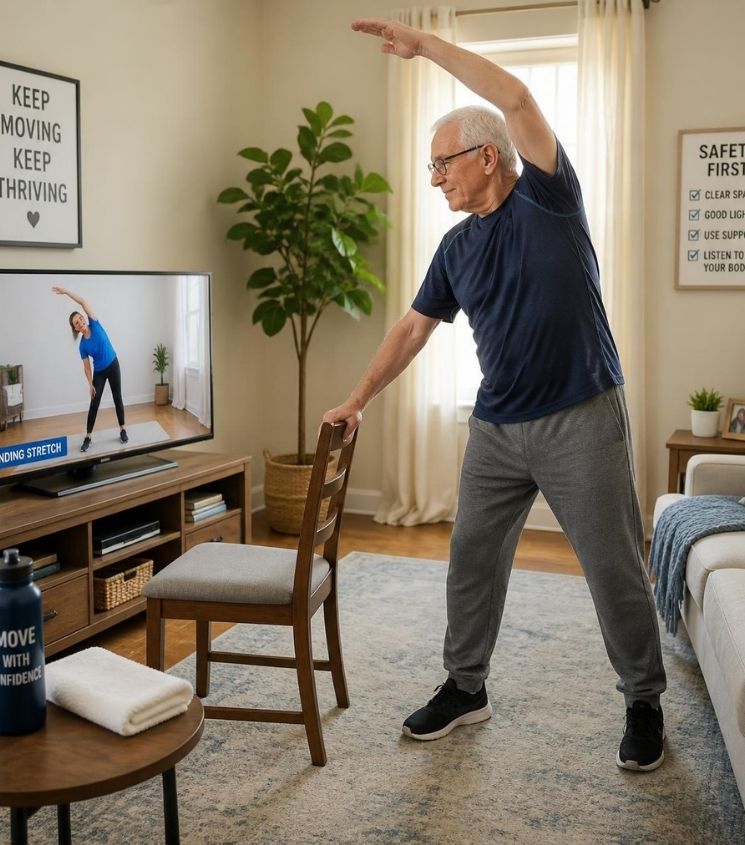
A member and trusted care partner preparing to participate in an online wellness class.

Prepare a clear and comfortable space

Before starting, arrange your environment so you can see and hear the session without unnecessary obstacles or distractions.

Step 1 — Clear the area

Remove loose objects, cords, rugs or furniture that could interfere with movement. Keep children and pets away from the immediate participation area where possible.

Step 2 — Position the screen

Place the device where you can see and hear the instructor without repeatedly turning, reaching or moving too close to the screen.

Step 3 — Prepare appropriate support

Have your usual mobility aid or other recommended support available. Use a stable chair only when seated or supported participation is appropriate for the session.

Step 4 — Keep essentials within reach

Have water, any required personal items and a telephone or communication device accessible without creating a tripping hazard.
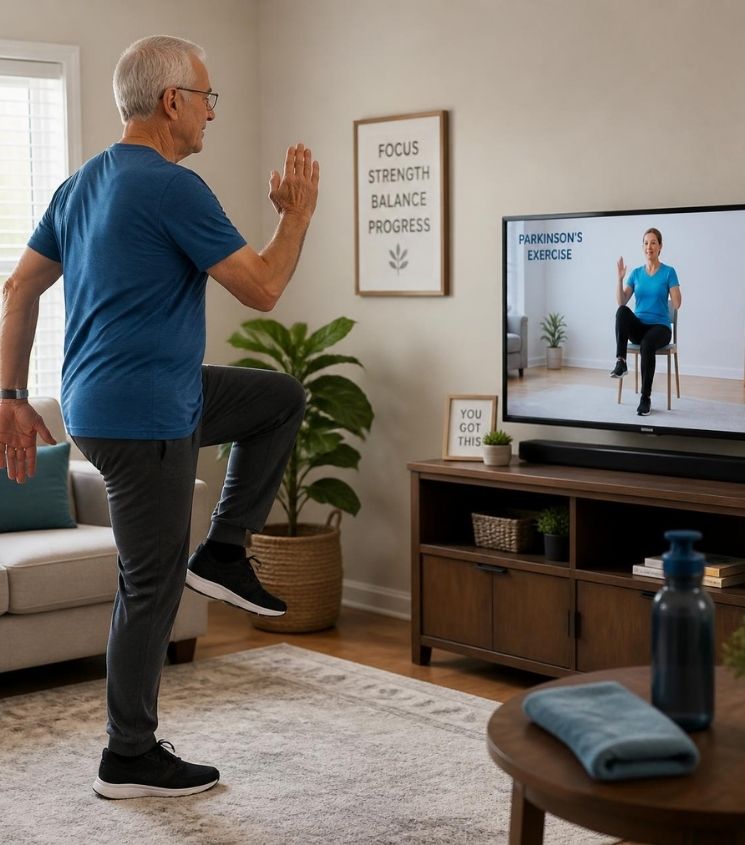
Participate within your current abilities and follow the guidance provided through your assessment. Pause or stop if you cannot continue comfortably. Online and recorded classes do not replace medical advice, diagnosis or treatment.

A laptop positioned so a member can clearly view an online wellness class.

What you may need to participate online

The exact joining process will depend on the class or resource provided. In most cases, you will need a suitable device, reliable internet access and the joining information sent by U-TurnPD.

  • A computer, tablet or suitable internet-connected display

  • A stable internet connection

  • Working speakers or headphones

  • A working camera and microphone when required for a live session

  • The current joining link, access instructions or member login

  • Enough device power or access to a safely positioned charger

The platform and access method may change. Always use the most recent instructions supplied by U-TurnPD and do not publish private class links publicly.

Participate with the support you need

Some members participate independently, while others benefit from help setting up the technology, arranging the space or following the class. A trusted care partner may assist where appropriate and agreed by the member.

Tech assistance

A care partner may help open the current class link, adjust sound or video and position the device before the session begins.

Participation support

Where appropriate, a trusted person may remain nearby to help with communication, equipment or practical participation needs.

Help from U-TurnPD

Contact the team if you need joining instructions explained, help identifying a suitable option or additional guidance before participating.

Live online participation may allow other attendees to see or hear you. Join from an appropriate space, avoid displaying private information and follow any participation or privacy instructions provided by U-TurnPD.

How to access an online or recorded class

The exact process may vary according to the class and access method. Use the latest schedule and instructions supplied by U-TurnPD.

Review available options

Check the current schedule or contact the team to confirm whether live online or recorded participation is available.

Complete any required booking

Reserve the class through the identified booking process when advance registration is required.

Use the latest instructions

Open the current joining link, member area or recording instructions provided for that session.

Ask for assistance early

Contact U-TurnPD before the session if the link, login, sound, video or access process is unclear.

Prepare for your first online session

A short preparation check can reduce technical delays and help you focus on participating comfortably.

  • Confirm the session date, time and time zone

  • Check whether booking is required

  • Open or test the joining instructions beforehand

  • Charge the device and check the internet connection

  • Confirm that sound, camera and microphone work when required

  • Arrange the screen and clear the participation area

  • Prepare any suitable equipment identified in the class information

  • Ask a care partner to assist if needed

  • Join a live session a few minutes early

Need help getting connected?

If you have difficulty opening the link, accessing the member area or understanding the joining process, contact the U-TurnPD team before the class whenever possible.

Do not post private class links, passwords or member-access information on public websites or social media.

Frequently asked questions

Find answers to common questions about online suitability, technology, support, access and recorded participation.


New members complete an initial assessment so U-TurnPD can recommend programmes and participation support appropriate for their current needs. Contact the team if you are uncertain whether a particular online option is suitable.

A live online class takes place at a scheduled time and is led remotely by an instructor. A pre-recorded class can be followed independently when access is available, but it does not include live observation or immediate instructor feedback.

You will generally need a suitable internet-connected computer, tablet or display with working sound. A camera or microphone may also be required for some live sessions. Check the current joining instructions.

Camera expectations may vary by session. Review the joining instructions or contact U-TurnPD before the class if you have privacy, technology or accessibility concerns.

Yes. A trusted care partner may help prepare the space, connect the technology or remain nearby during participation where appropriate and agreed by the member.

Check that you are using the most recent instructions and that your internet connection is working. If access still fails, contact U-TurnPD using the support details provided.

Where the recording controls allow it, you may pause or stop the session and continue only when you are comfortable and ready.

Availability and access periods may vary. Use the current information supplied by U-TurnPD rather than assuming that a particular recording will remain available.

Contact the U-TurnPD team before participating if there has been a significant change in your health, mobility, injury, symptoms or support needs. Updated guidance or a reassessment may be appropriate.

Ready to participate from home?

Explore current online options or contact U-TurnPD for help choosing and accessing an appropriate class.